You’ve been sorting your collections based on instinct. Maybe you trust Shopify’s Best Selling algorithm. Maybe you’ve built a custom Dynasort recipe that weights revenue and inventory. Either way, you’ve probably wondered at some point: is this actually working?
Now you can find out.
Dynasort A/B testing for collection sort order is live in beta on Pro and Enterprise plans. Here’s what it does, how it works, and why we built it the way we did.
Why Shopify merchandising A/B testing has always been a pain
Testing sort order on Shopify has historically required one of two bad options: either you eyeball before-and-after metrics across arbitrary date ranges (no control group, seasonality baked in, gut-feel conclusions), or you try to implement a proper split test — which means cookies, theme code changes, fighting Shopify’s edge caching, and often a third-party CRO platform that doesn’t understand merchandising at all.
Per-visitor splits are especially messy in a collection context. A visitor sees Variant A on desktop. They come back on mobile and get Variant B. The cache serves stale sort orders to half your traffic. The data gets noisy fast, and you end up with a “significant” result that isn’t actually telling you anything useful.
There’s a better approach.
How Dynasort’s strict alternation works
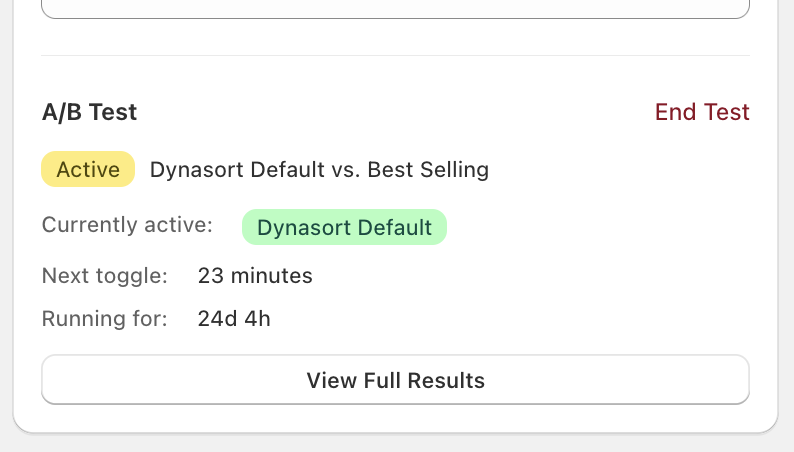
Instead of splitting visitors, Dynasort alternates the entire collection between two variants on a configurable time window — anywhere from 1 hour to 24 hours. During any given window, every shopper sees the same sort order. When the interval elapses, the collection flips to the other variant. Back and forth, for as long as the test runs.
This is called strict alternation, and it sidesteps the entire per-visitor mess. There’s no cookie logic. No theme changes. No cache-busting gymnastics. Shopify’s edge caching works with you instead of against you, because everyone in a window sees the same version. The experience is consistent across devices by definition.
The tradeoff is that you need to run the test long enough to smooth out time-of-day and day-of-week variation. A one-hour window run for three days gives you different data than a six-hour window run for two weeks. We recommend longer windows and longer test durations for most merchants — and the results interface tells you when you don’t have enough data yet.
What you can test
There are two test types.
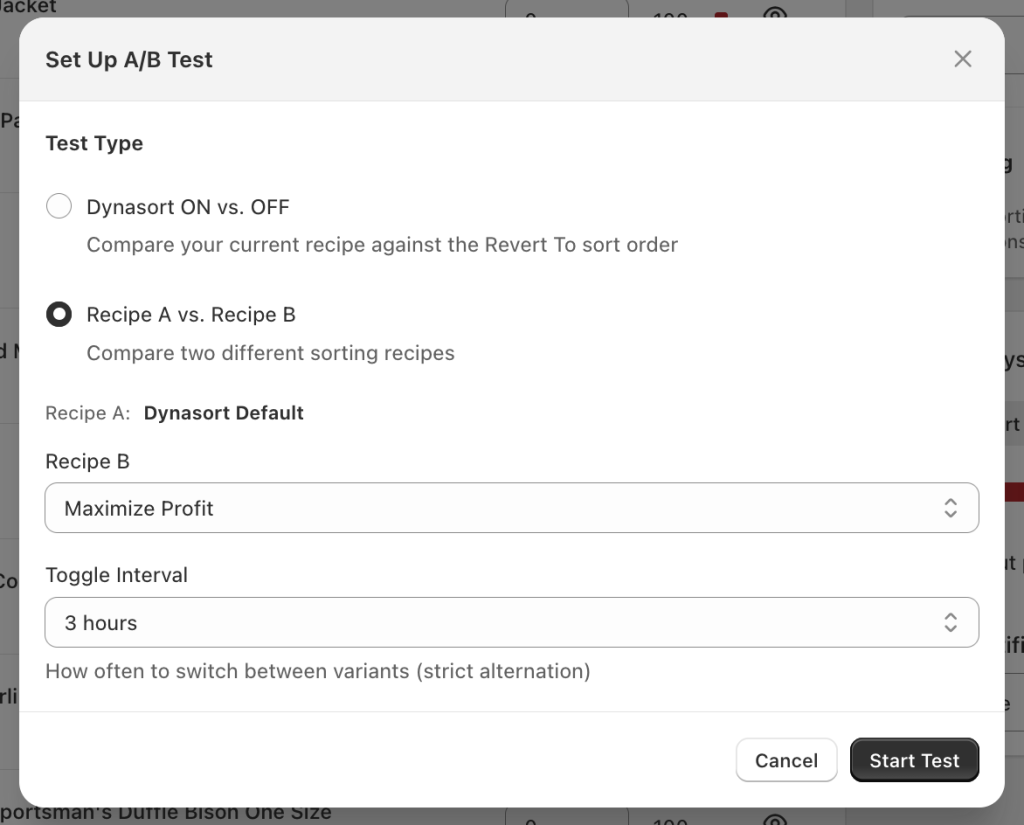
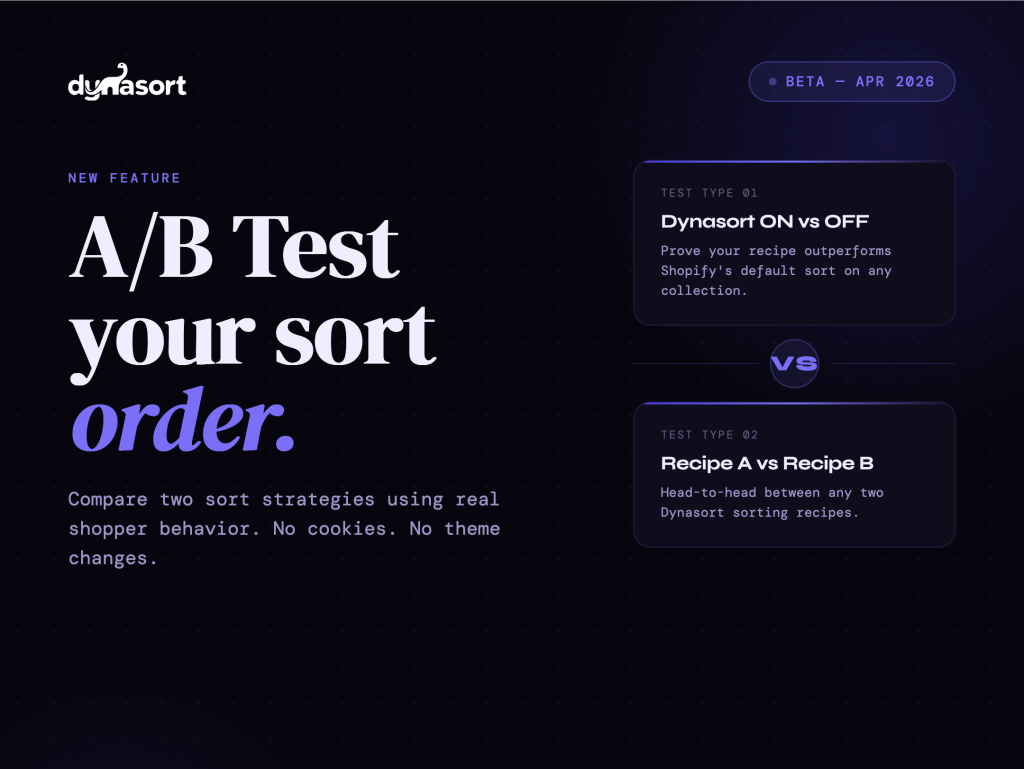
Dynasort ON vs OFF compares your currently active Dynasort recipe against the collection’s native Shopify sort order — Best Selling, Manual, Created Date, whatever you had before. This is the “prove it” test. If you’ve ever wanted to know whether your automated sorting is actually outperforming the default, this is how you find out. It’s also the first test we’d suggest running on any collection where you’re not already confident in the data.
Recipe A vs Recipe B compares two Dynasort recipes head-to-head. You might be deciding between weighting revenue vs inventory, or testing whether a margin-optimized recipe converts better than a velocity-based one. Same alternation mechanic, same metrics, same significance reporting.
Reading the results
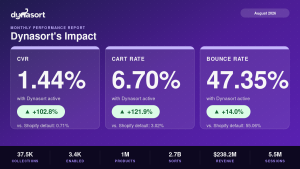
Dynasort tracks four metrics per variant: Conversion Rate, Cart Rate, Exit Rate, and Bounce Rate. Each one shows you the per-variant value, the lift percentage, and a Yes/No significance flag.
The significance calculation uses a two-proportion z-test with pooled variance and a two-tailed p-value — the same methodology used by Optimizely and VWO. “Significant” means p < 0.05, which is the standard threshold for this type of test. We’re not doing anything exotic with the math; we’re applying established CRO methodology to a context where it’s rarely been available before.
One thing we’re deliberate about: Dynasort enforces a minimum of 100 sessions per variant before surfacing results as reliable. Until you hit that threshold, the UI tells you clearly that your data isn’t ready. This matters more than it might seem. Small-sample significance results are one of the most common ways A/B tests produce confident wrong answers — a test with 40 sessions per variant and p = 0.04 is not a test you should be making decisions from.
When the test ends, you pick the winner. Dynasort doesn’t auto-apply a result, because a 4% conversion lift on a variant that burns through your lowest-margin inventory isn’t necessarily the right call. The merchant context matters. You make the decision.
Who this is for
If you’re on Pro or Enterprise and you have collections with meaningful traffic — a few thousand sessions a month or more — A/B testing is worth running. The most direct use case is validating your current sort strategy on your highest-traffic collections. If Dynasort is doing its job, the data should show it. If the default Shopify sort is actually outperforming on a specific collection, you’d want to know that too.
Agencies and CRO consultants managing Dynasort for clients will also find this useful as a reporting and validation tool — something concrete to show that merchandising decisions are being made on data, not intuition.
This is a beta release. The core mechanics are solid, but we’re actively collecting feedback on test configuration, reporting clarity, and edge cases. If you hit something unexpected, in-app support gets to us directly.
Get started
Full docs, including setup walkthrough and how to interpret results: https://docs.dynasort.io/ab-testing/
The first test to run: Dynasort ON vs OFF on your highest-traffic collection.
Reference version of this post, with the full testing methodology and statistics: Strict Alternation Testing