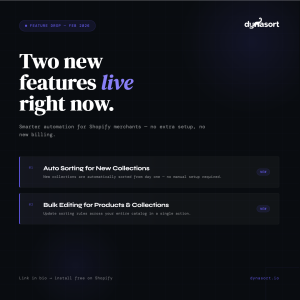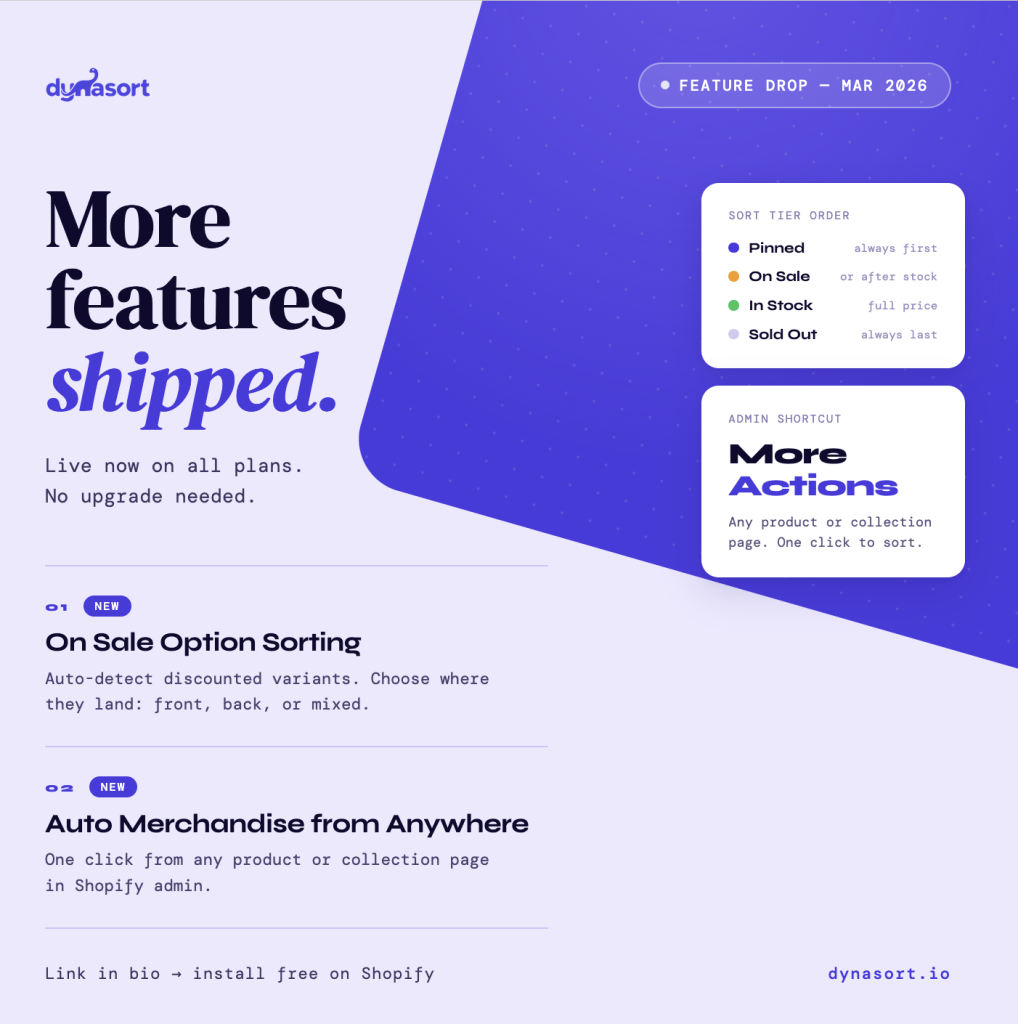
Two features shipped this week. One gives merchants explicit control over how discounted product options are displayed. The other removes a small but persistent piece of workflow friction. Both are live on all plans right now.
Feature 1: On Sale Option Sorting
If you run a Shopify store and you discount products, you have had this problem: Dynasort sorts your option values by sales, revenue, inventory, or some combination, but it had no way to account for whether a given option was on sale. A red colorway that’s 30% off would sort the same as a full-price red colorway.
That’s fixed.
How it works
Dynasort now automatically detects on-sale option values. An option value (say, “Red” in a Color option) is flagged as on sale if any of its variants have a compare_at_price above the current price. No additional API calls, no extra setup. It uses data already in Dynasort’s pipeline.
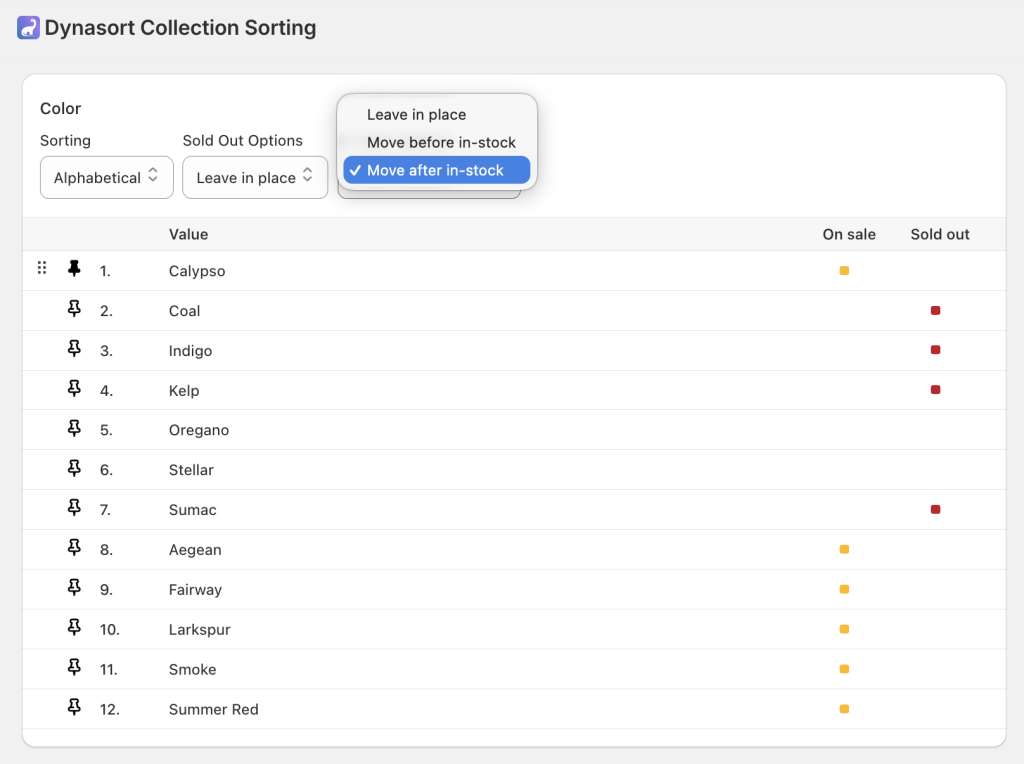
When an option is flagged, you get three placement settings per option:
Leave in place keeps things exactly as they were. On-sale options sort normally alongside regular in-stock options. This is the default, so if you do nothing, nothing changes.
Move before in-stock pushes on-sale options to the top of the list, ahead of regular in-stock items. Use this when you want discounts visible immediately: clearance events, sitewide sales, or flash promotions where you want every discounted variant front and center.
Move after in-stock groups on-sale options below regular stock but above sold-out items. Use this when your strategy is full-price first, such as protecting margin on flagship products while still surfacing sale items for shoppers who scroll.
The sort tier logic stacks cleanly with everything else: pinned positions always win, sold-out always goes last, and within each tier, your chosen metric (revenue, sales, inventory, etc.) still determines the order. An orange dot indicator appears in the option value table when on-sale grouping is active, giving you instant visual confirmation of which options are flagged.
The setting is per-option, per-product. You can apply “Move before in-stock” to Color and “Leave in place” to Size on the same product. Automated background re-sorts respect the setting the same way manual saves do.
Feature 2: Auto Merchandise from Anywhere
This one is smaller, but if you spend significant time in your Shopify admin, you’ll feel it immediately.
Dynasort now integrates into Shopify’s native “More Actions” menu on product pages, collection pages, and the collections index. The links are:
Auto Merchandise Product on any product page jumps directly into Dynasort’s controls for that product.
Auto Merchandise Collection on any collection page opens Dynasort’s sorting settings for that collection.
New Managed Collection from the collections index launches straight into the collection creation workflow in Dynasort.
Previously, getting from a specific product or collection in Shopify admin to the corresponding Dynasort controls required opening a separate tab, navigating to Dynasort, and searching for the item. It was a constant context switch for anyone actively managing merchandising. Now it’s one click from wherever you already are.
Available Now
Both features are live for all Dynasort users on every plan tier, including Demo, Basic, Pro, and Enterprise. No upgrade, no additional configuration required beyond enabling On Sale Option Sorting on the products where you want it.
Questions or feedback: hello@dynasort.io or in-app chat.
Homer and the Dynasort Team
Install Dynasort free on the Shopify App Store at dynasort.io