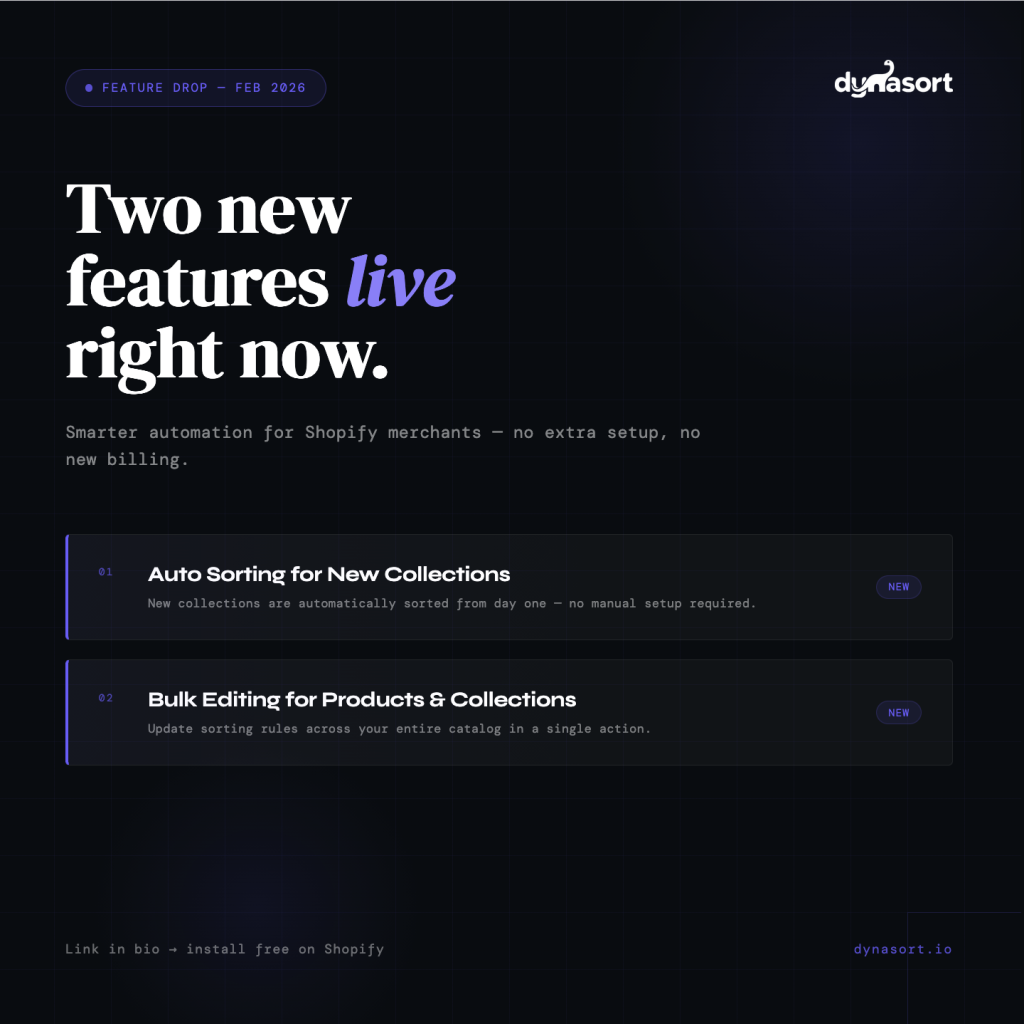
We’re rolling out two new features today that directly address friction points our merchants have flagged — both are live now and included in every Dynasort plan.
Feature 1: Auto Sorting for New Collections
Until now, when you created a new Shopify collection, there was a gap between when the collection went live and when Dynasort’s automated sorting kicked in. For busy teams managing large catalogs, this meant new collections sometimes faced real customers with default, unsorted product ordering.
That gap is gone.
With Auto Sorting for New Collections, Dynasort now detects new collections the moment they’re created and immediately applies your configured sorting rules. There’s nothing to configure, no checklist to remember, no delay. Your merchandising logic is active from day one.
This is especially valuable for merchants who frequently launch new seasonal collections, run promotions with dedicated collection pages, or are scaling their catalog quickly.
Feature 2: Bulk Editing for Products & Collections
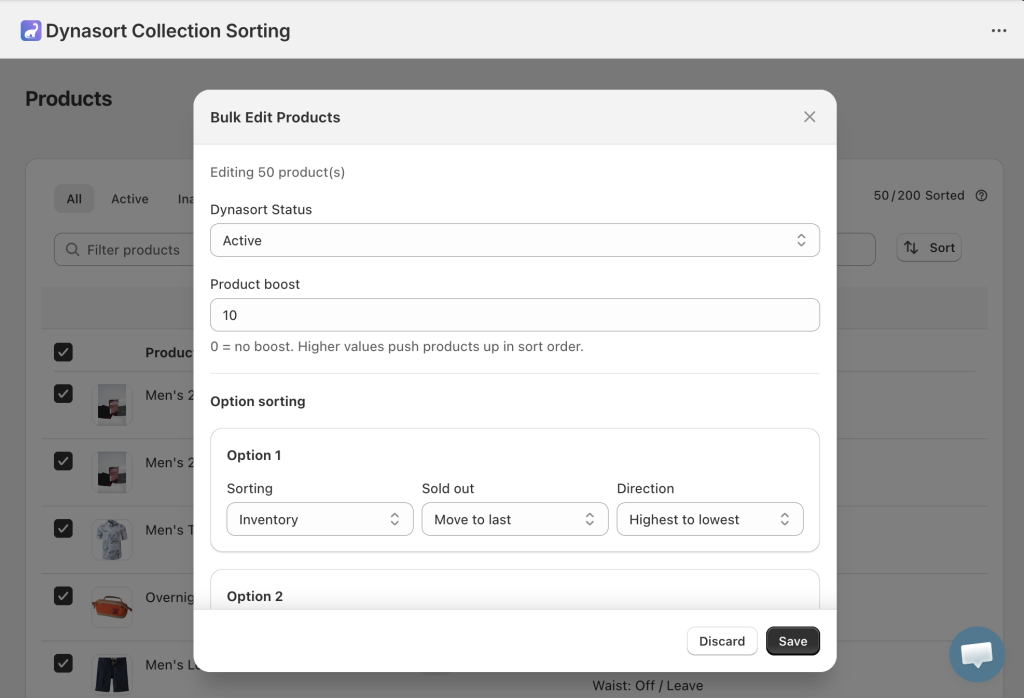
Managing sorting configurations across a large catalog used to require updating collections and products one at a time. If your strategy changed — new metric priorities, a seasonal shift, a site-wide promotion — implementing it was a manual slog.
Bulk editing solves that. You can now select multiple collections or products and update their sorting rules in a single action. Whether you’re managing 20 collections or 2,000, what used to take hours now takes seconds.
Available Now — No Upgrade Required
Both features are live in your Dynasort account right now. No additional setup, no new billing tier. Open the app and you’ll find Auto Sorting in your Collections settings and Bulk Editing available wherever you manage collections and products.
As always, we’re building based on what merchants actually need. If you have feedback on either feature — or ideas for what to tackle next — reach out at hello@dynasort.io or use the in-app chat.
— Wade & the Dynasort Team