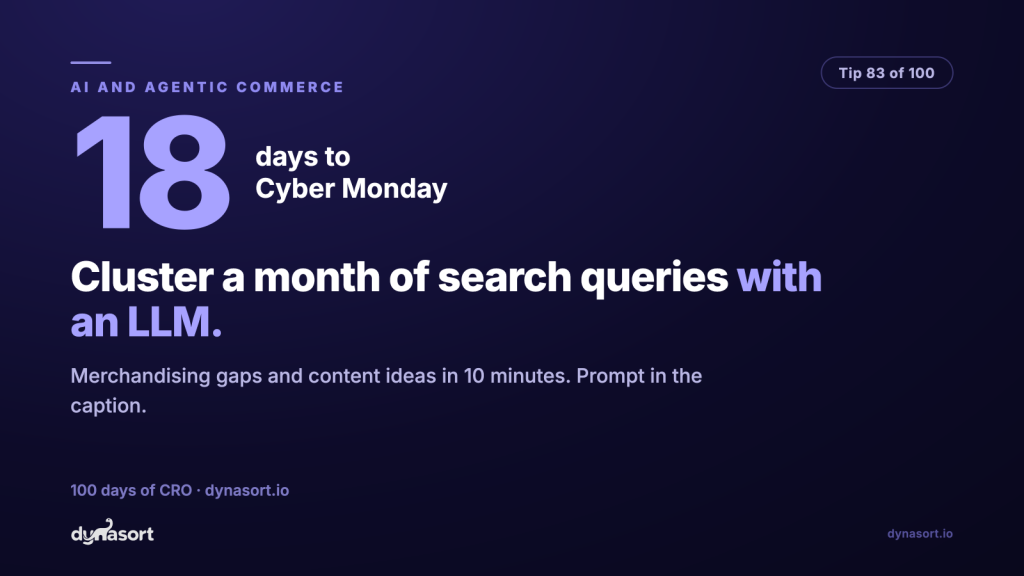
Search query clustering with an LLM turns a month of your store’s search logs into a merchandising to-do list in about ten minutes. Tip 17 told you to read your search logs monthly, and if you have been doing it, you know the problem: the raw log is a thousand lines of “hoodie”, “hodie”, “black hoodie mens”, “warm jacket”, “gift for dad”, and staring at it long enough to see the patterns is real work. This is exactly the kind of work language models are unreasonably good at: taking a pile of messy human phrasings and sorting them into named piles of intent.
Export your last 30 days of search queries, with counts if your search tool provides them. Paste them into ChatGPT, Claude, or Gemini with the prompt below. What comes back is the thing the raw log was hiding: what your shoppers are asking for in their own words, how often, and where your catalog and their vocabulary disagree.
The prompt
Copy, fill the two placeholders, paste into your LLM of choice.
Where to get the data: Shopify’s search analytics, your search app’s query report, or GA4’s view_search_results event. Any of them beats nothing; counts make the clustering sharper.
What to do with the output
- Vocabulary gaps become synonyms and copy edits. If shoppers say “jumper” and your titles say “sweater”, add the synonym in your search tool or work the word into descriptions. Their language wins. It always wins.
- Collection gaps become pages. High-volume gift intent with no gift collection is free money in November. Build the page the queries are begging for.
- Product gaps become your December roadmap. You cannot stock a new product in 18 days, but a cluster of demand you cannot serve is the cheapest product research you will ever get.
One caution: the model will cheerfully cluster ten queries as confidently as ten thousand. Volume is your reality check. Act on the clusters with real counts behind them, and treat single-digit curiosities as trivia until they repeat next month.