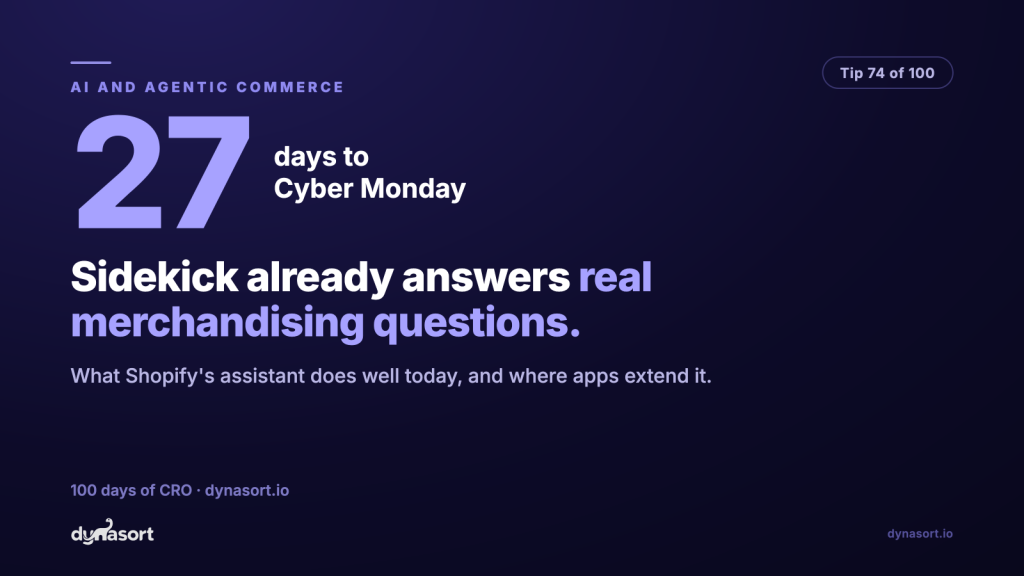
Shopify Sidekick is the AI assistant already built into your Shopify admin, and most merchants still treat it like a search box with delusions. That is a waste, especially 27 days out, when every question you can answer in one sentence instead of one spreadsheet session is time you get back for selling. Sidekick can see your store: your products, your orders, your settings, your analytics. Ask it store questions, not Google questions.
Here is the honest read. Sidekick is genuinely good at three jobs today: pulling answers out of your own data (“what were my top sellers last week?”), doing admin chores you would otherwise click through five screens for (“create a 15% discount code for the newsletter”), and explaining Shopify itself (“why is this order on hold?”). It is weaker the moment a question crosses into territory the admin does not natively track, and it will occasionally answer a question you did not quite ask. Treat it like a fast junior analyst: excellent recall, needs precise questions, verify anything you are about to spend money on.
Ask it like it can see your store. It can.
Merchandising questions worth asking Sidekick this week, and the kind that waste the turn.
High-yield questions
“Which products sold most in the last 30 days but are low on inventory?”
“Which collections got the most traffic last week?”
“Draft a product description for [product] aimed at gift buyers.”
Wasted turns
“How do I increase conversion?” (too vague, gets a blog post)
“What will sell on Black Friday?” (it is an analyst, not an oracle)
“Is my store good?” (define good, then ask that)
The pattern: specific noun, specific timeframe, specific action. Same rule as managing a human.
Apps extend what Sidekick can answer
The part most merchants have not noticed: Sidekick is not limited to what Shopify tracks natively. Apps can register their own tools with it, so the assistant can answer questions using data the app holds. Ask about the merchandising layer, “how is this collection actually ordered and why”, and if your sorting app has wired itself in, Sidekick can answer from the app’s data instead of shrugging. We built Dynasort‘s Sidekick tools for exactly that: your sorting setup becomes something you can interrogate in plain English, right in the admin. Check whether the apps you rely on have done the same; an app that cannot talk to your assistant is a silo you will be tabbing into all Q4.
This week’s homework is small: open Sidekick and ask it five real questions about your own store, the ones you would normally answer by exporting a CSV. Note which answers held up. You now know what your assistant is good for before the busiest month of the year, instead of discovering it mid-crisis. Shopify’s overview of Sidekick and Shopify Magic covers what is rolling out where.