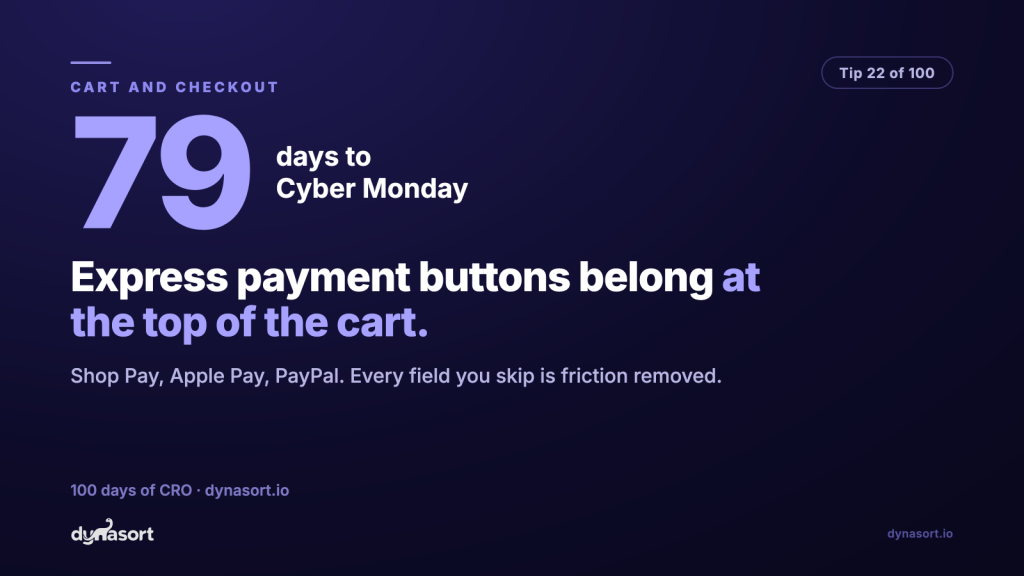
Express payment buttons, Shop Pay, Apple Pay, Google Pay, PayPal, belong at the top of your cart, above the regular checkout button, and if yours are missing or buried you are paying for it daily. Around 70% of carts are abandoned, and a meaningful slice of that is not doubt about the product. It is the form. Email, name, address, city, postcode, card number, expiry, the little code on the back, all typed on a phone keyboard, possibly on a train.
An express button deletes the form. The wallet already knows the address and the card; the shopper authenticates with a face or a fingerprint and is done. Every field you skip is friction removed, and for a returning Shop Pay user the entire checkout collapses into a single tap. That is not a payment option, that is a different checkout.
The one-tap lane goes first
Cart drawer layout: wallets on top, classic checkout as the fallback, not the default.
The order is the message: the store leads with the fastest path and keeps the form for shoppers who need it.
The checklist
- Turn the wallets on. Shop Pay comes with Shopify Payments; Apple Pay and Google Pay are toggles in your payment settings. Shoppers only see the wallets their device supports, so enabling all of them clutters nothing.
- Enable dynamic checkout buttons so the express option also appears on product pages for the one-item, buy-it-now shopper. Shopify’s dynamic checkout guide covers where they can live.
- Check position, not just presence. Some themes tuck express buttons below the regular checkout button or hide them in the drawer’s collapsed state. Top of the cart, visible without scrolling.
- Test on a real phone with a real wallet. Apple Pay only shows in Safari, Google Pay in Chrome. Your desktop preview will lie to you.
One caveat: express checkouts skip your carefully-crafted checkout upsells and note fields. That is the point. The shopper who taps Shop Pay chose speed over browsing, and intercepting them with one more offer is how you teach them the fast lane is fake. Let fast be fast.