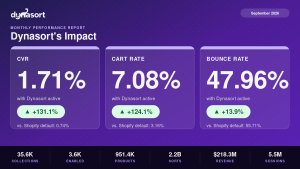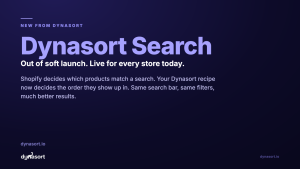
For four years, Dynasort has done one job well: putting the right products at the top of your collections. Today that job gets three times bigger.
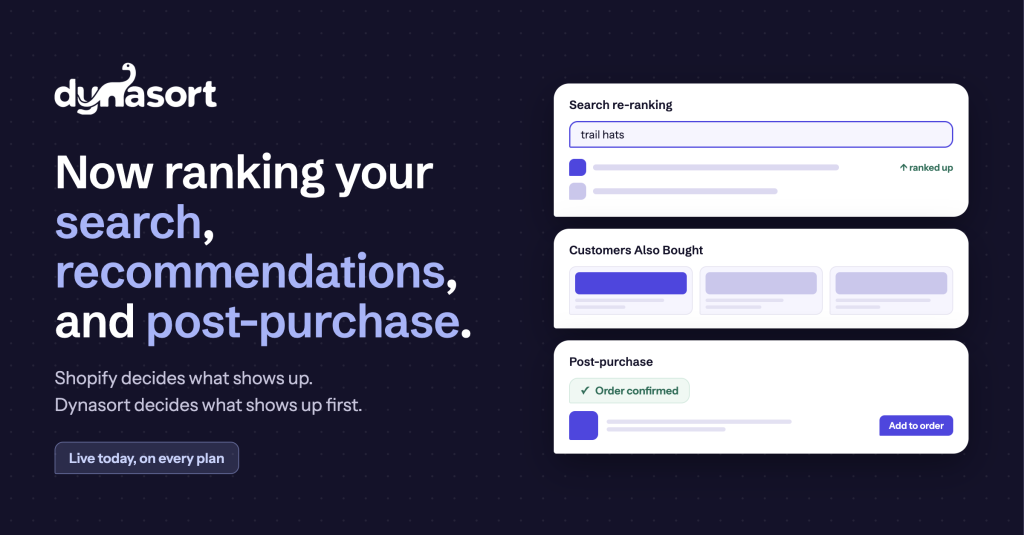
Starting now, Dynasort ranks your products everywhere shoppers decide what to click next:
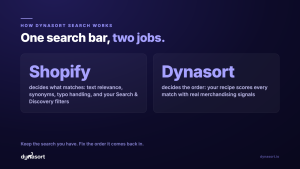
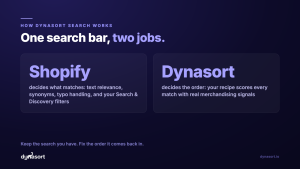
Search re-ranking. Shopify decides which products match a search. Dynasort decides which ones deserve the top of the page. Your search results and your live-search dropdown are re-ranked on every request by the same recipes you already use for collections: real sales, real clicks, real margin, not just keyword matches. Here is why that matters: in 188,000 real storefront search clicks we analyzed, fewer than a third went to the first result, and nearly half went past the top three. Shoppers are digging for products that should have been in front of them.
Product recommendations. A “you may also like” that actually knows. Ranked rows like Customers Also Bought, built from your store’s own purchase patterns, placed anywhere in your theme: product page, cart, home page, or custom placements. Add the block in your theme editor, bind a recipe, done.
Post-purchase offers. The order confirmation page is the one page every buyer sees, and most stores show nothing there. Dynasort serves a ranked offer the moment the order completes.
Ranked live, measured honestly
Search and recommendations rank live on every request. Every serve is measured: you see serves, clicks, adds, and checkouts per recipe, right next to the collection insights you already have. If a surface is not earning, the numbers will tell you.
On every plan, including yours
All three surfaces are live today on every Dynasort plan, with a monthly serving allowance sized to your tier. Nothing you have configured changes; the new surfaces are additive. Open the app and you will find a Search page and a Recommendations page waiting, each with seeded recipes so you can activate in minutes:
- Search: pick a recipe, click Connect storefront, add the search block.
- Recommendations: bind a recipe to a placement, add the Dynasort block where you want the row.
- Post-purchase: bind the post-purchase placement, add the extension in checkout settings.
The docs walk through every step: https://docs.dynasort.io/
The same promise, three more places
Shopify decides what shows up. Dynasort decides what shows up first. That has been true for your collections since day one. From today it is true for search, recommendations, and the thank-you page too.
Install Dynasort free for 30 days
Reference version of this post, with the full click data and methodology: Where Storefront Search Clicks Land